


Calendar
In the calendar, you plan operations per person not just as a weekly plan, but over the month and the whole year. Address, duration and daily totals (ET/AT) remain visible. Weather appears in the header and on the operation blocks. Ad-hoc operations are marked; you record absence and holiday directly in the plan.
November · Tom Berger
Updated at: 05:00 / 12:00 / 18:00Morning briefing
Get a grip on the day before the team starts
Open a person's plan: target and actual, weather, planned deployments and ad-hoc at a glance – then move, assign or set absence.
November · Tom Berger
Updated at: 05:00 / 12:00 / 18:00Functions
Everything for deployment planning
Scroll through the cards – each shows a piece of the interface with example data.
01
Week, month, and year in one plan
Not just the weekly plan: change the view and keep target, actual, and workload over the entire horizon.
Week, month, and year in one plan
01Not just the weekly plan: change the view and keep target, actual, and workload over the entire horizon.
Target and actual times per day
02ET and AT are at the top of each column. So you can see immediately if the day is already full – before you add another deployment.
02
Target and actual times per day
ET and AT are at the top of each column. So you can see immediately if the day is already full – before you add another deployment.
03
Weather in the bar and on the block
Updated at 05:00, 12:00, and 18:00. The icon on the blue block helps with outdoor deployments.
Weather in the bar and on the block
03Updated at 05:00, 12:00, and 18:00. The icon on the blue block helps with outdoor deployments.
Ad-hoc and absence
04Spontaneous deployments with red "ad-hoc" badge. Holidays and absences via absence and vacation management directly in the calendar.
04
Ad-hoc and absence
Spontaneous deployments with red "ad-hoc" badge. Holidays and absences via absence and vacation management directly in the calendar.
Process
Four steps to a clear week
Select person
Select an employee – the plan loads with their deployments and times.
- Employeesnliste
- Online status
- Weekly view
Set horizon
Week for the detailed day, month for the overview, year for rough capacity.
- Week
- Monnth
- Year
Consider the weather
The bar updates at 05:00, 12:00, and 18:00. Weather icons are also on the blocks.
- Header
- Block icon
- Outdoor deployments
Clarify exceptions
Recognise ad-hoc deployments, record absences and leave directly in the plan.
- Ad-hoc badge
- Absence
- Leave
Select person
01Select an employee – the plan loads with their deployments and times.
Set horizon
02Week for the detailed day, month for the overview, year for rough capacity.
Consider the weather
03The bar updates at 05:00, 12:00, and 18:00. Weather icons are also on the blocks.
Clarify exceptions
04Recognise ad-hoc deployments, record absences and leave directly in the plan.
Your daily work
Plan where the work happens
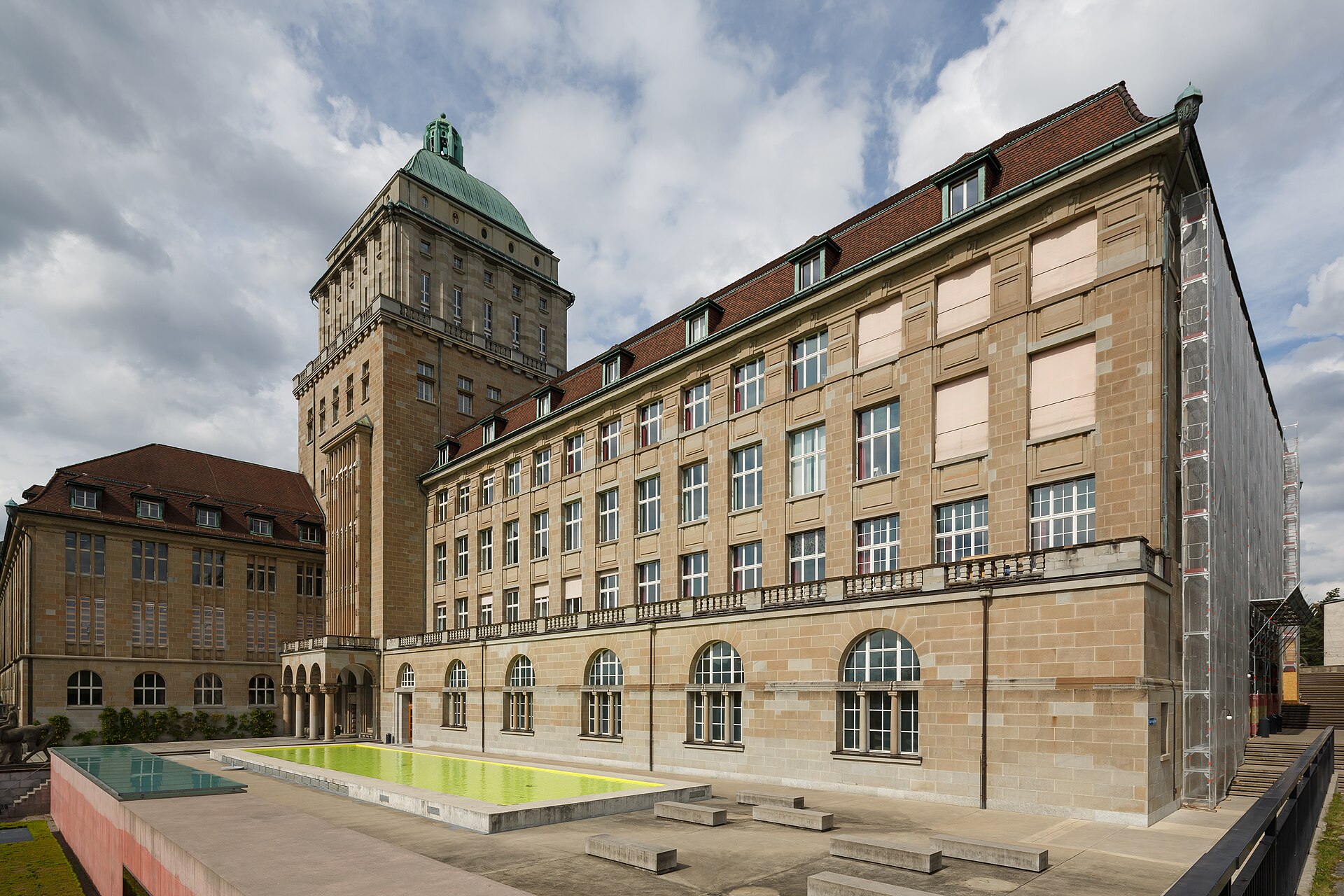
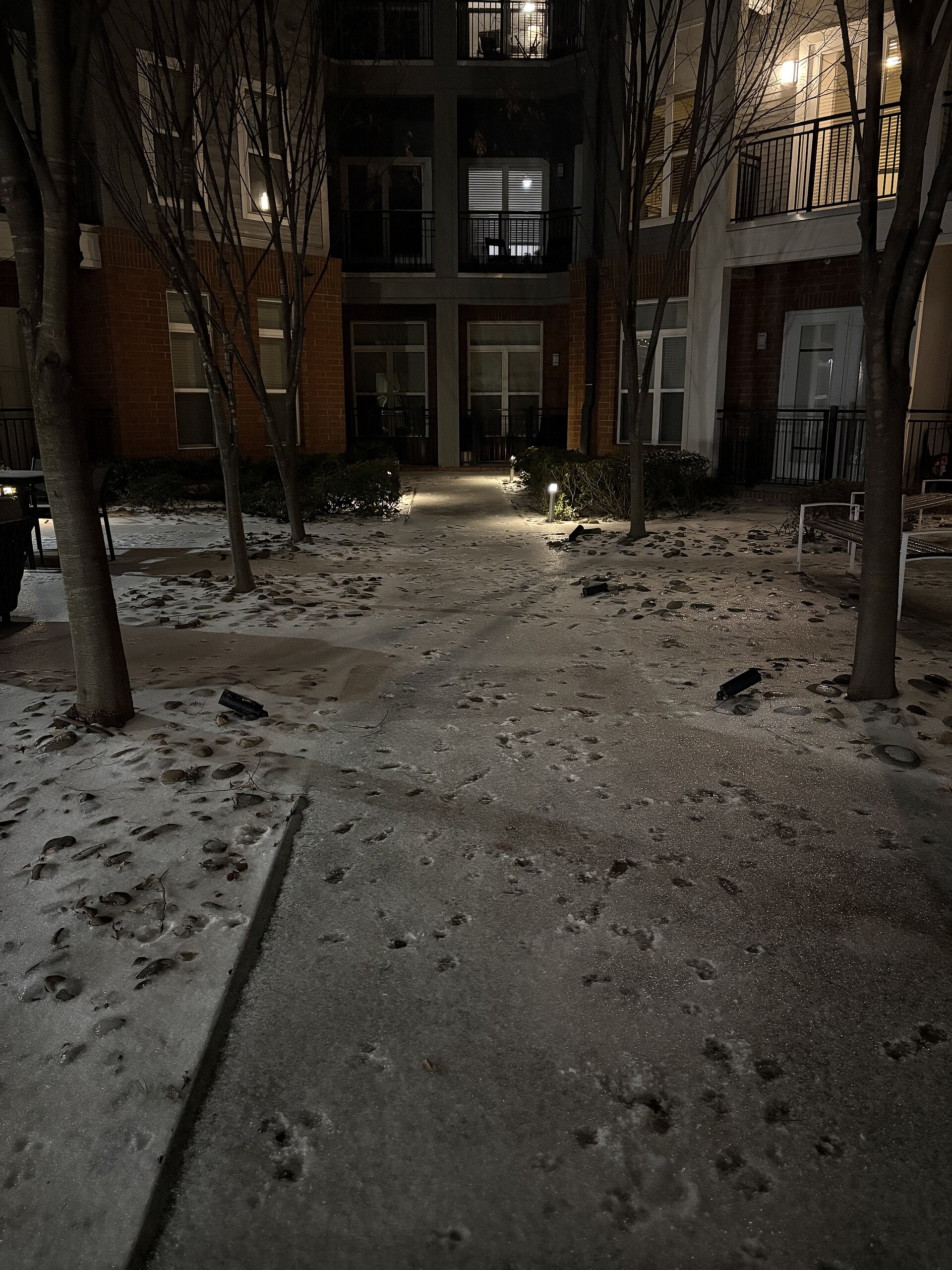
Cleaning, Garden maintenance, Facility management und Facility Management – der Calendar hält den Plan zusammen, während Teams vor Location unterwegs sind.


How large is your team?
148
planned deployment days in the example year
Sample calculation: about 18.5 deployment days per person and year in the demo set. Typically plus 3 absence blocks in the team.
Frequently asked questions
No. You plan deployments for the week, month, and the entire year – depending on the level of detail.
Target time (ET) and actual time (AT) per day. They are at the top of each column in the weekly view.
Updated in the header at 05:00, 12:00, and 18:00 – and as an icon on the deployment block.
A spontaneous deployment that is not in a fixed interval. It bears a red “ad-hoc” badge above the block.
Über Absences- und Leavesverwaltung direkt im Calendar – Ferien und Ausfälle landen im Plan.
For facility managers and deployment management in cleaning, garden maintenance, caretaking, and facility management.
Ist der Calendar nur ein Weeknplan?
No. You plan deployments for the week, month, and the entire year – depending on the level of detail.
What do ET and AT mean?
Target time (ET) and actual time (AT) per day. They are at the top of each column in the weekly view.
How does the weather display work?
Updated in the header at 05:00, 12:00, and 18:00 – and as an icon on the deployment block.
What is an ad-hoc deployment?
A spontaneous deployment that is not in a fixed interval. It bears a red “ad-hoc” badge above the block.
How do I record leave?
Über Absences- und Leavesverwaltung direkt im Calendar – Ferien und Ausfälle landen im Plan.
Für wen ist der Calendar gedacht?
For facility managers and deployment management in cleaning, garden maintenance, caretaking, and facility management.
See the calendar in action?
Calculate your price or book a demo – with weekly, monthly and yearly planning.